Two ways to rebuild a home screen.
Console Home — 1K+ downloads · first public beta, version 0.0.7
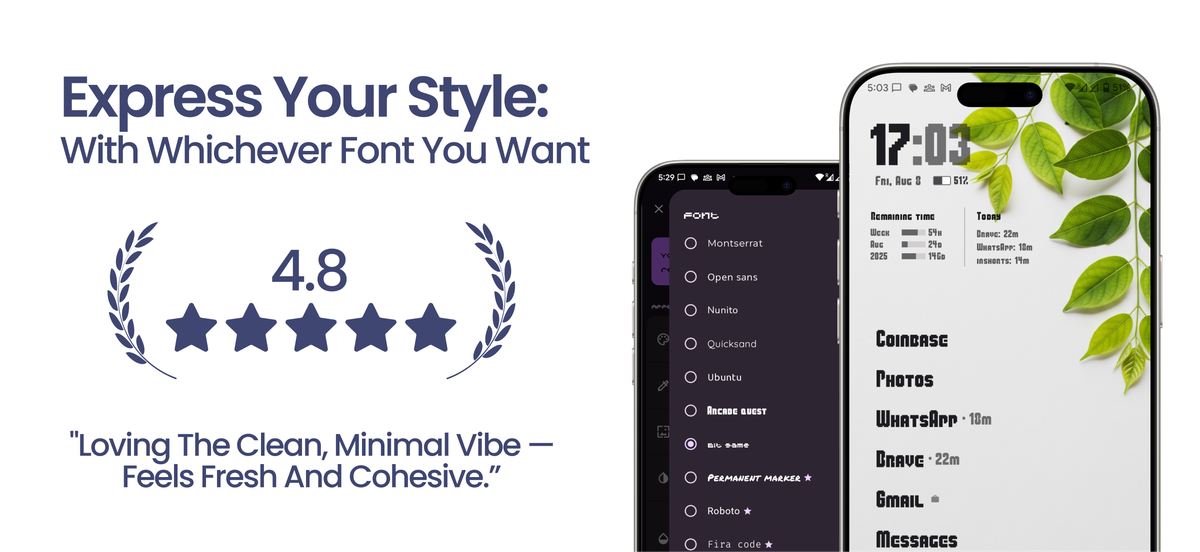
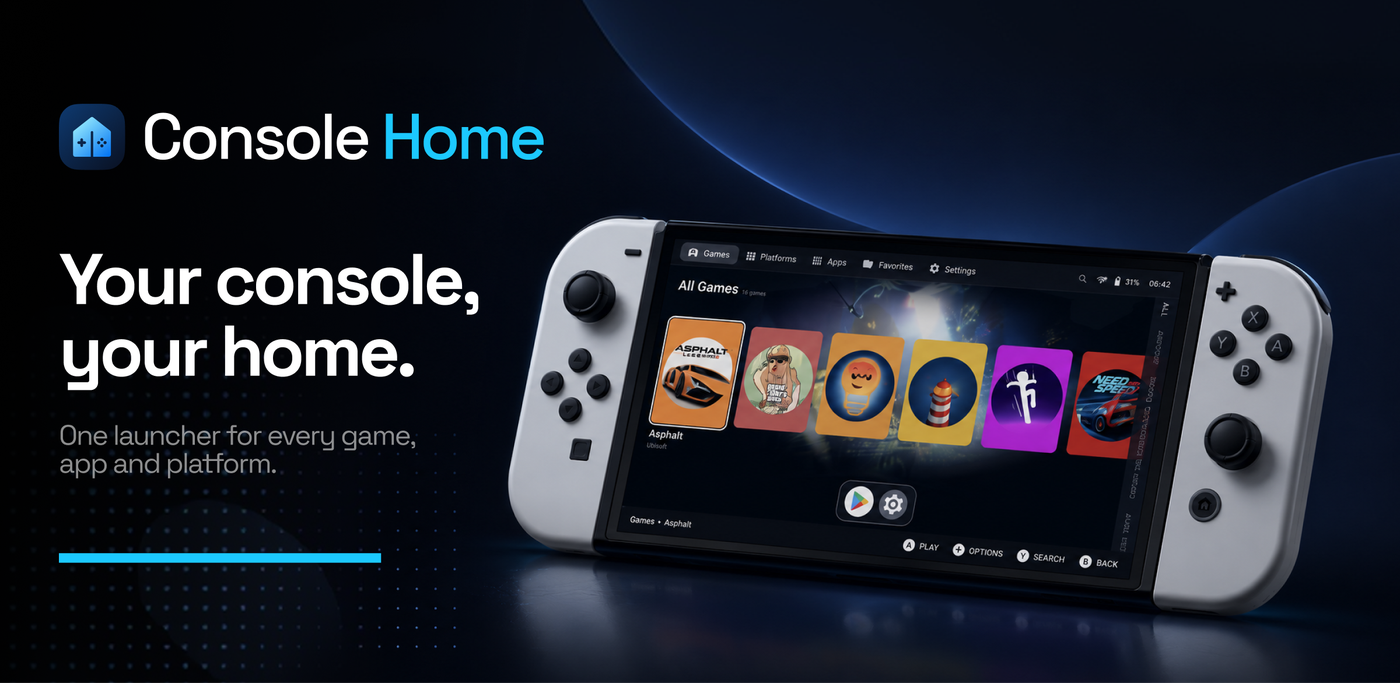
One is portrait because it lives in a pocket. The other is landscape because it’s held in two hands.
On Android you can replace your home screen — the thing you see every time you unlock your phone. We built two of them, over evenings and weekends.
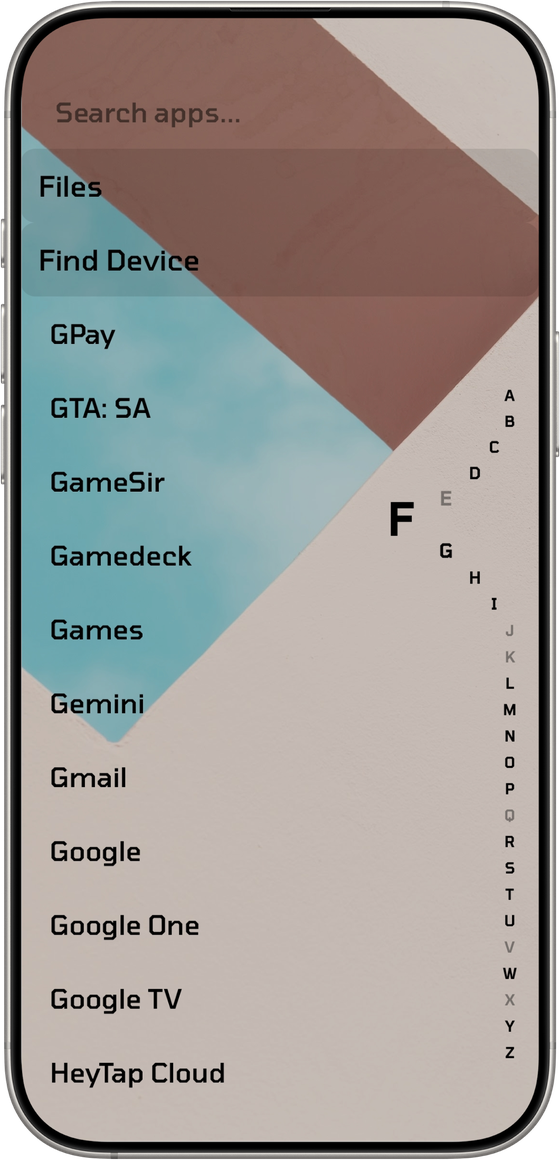
UnLauncher makes it quiet. Text instead of a grid of icons, monochrome icons if you’d rather have them, and room for one line of your own — a quote you pick, sitting where the clutter used to be.
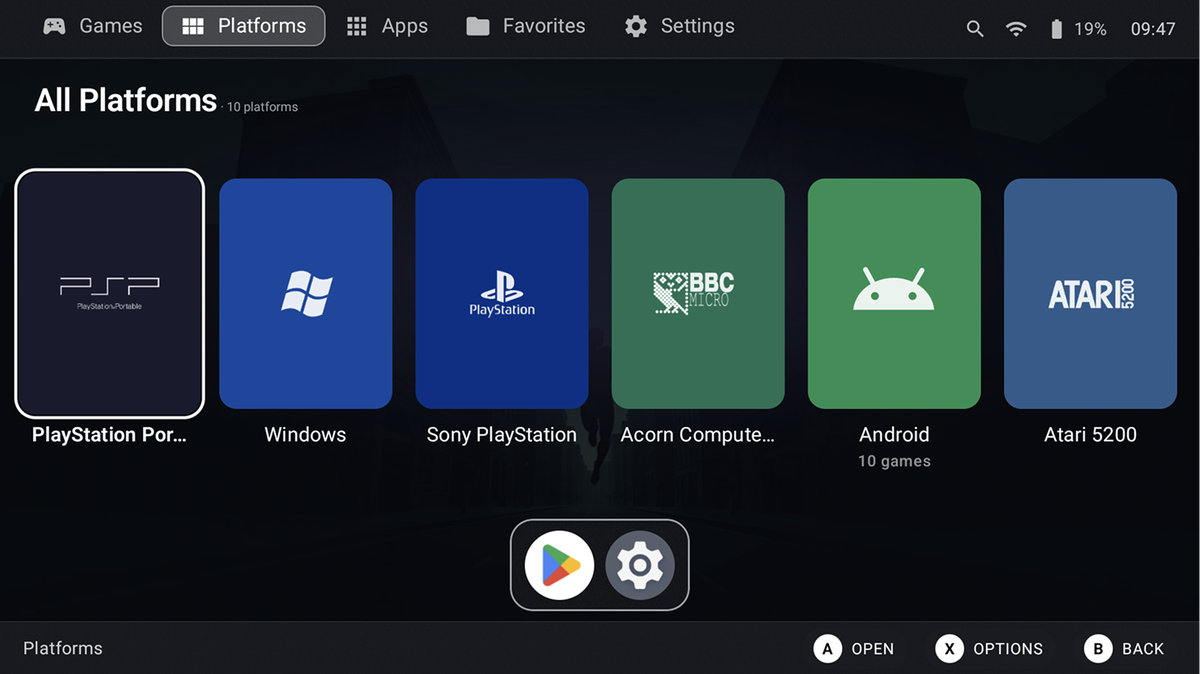
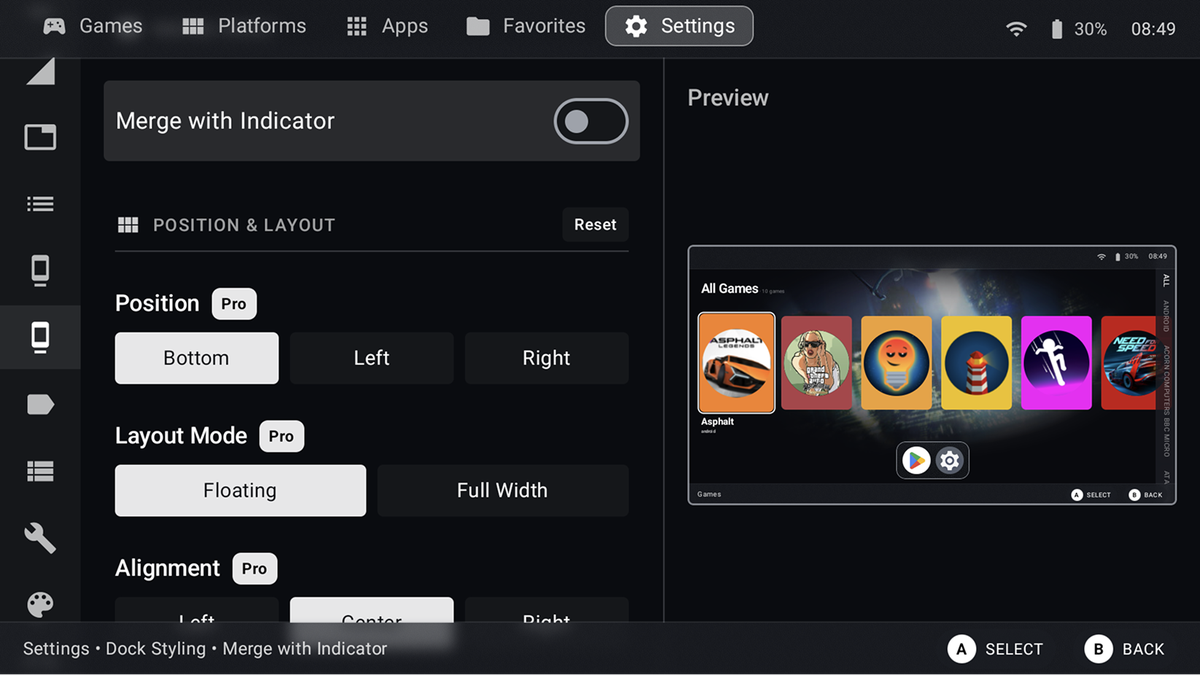
Console Home goes the other way. It’s for the handheld gaming devices people load with hundreds of old games, and it turns the home screen into a console dashboard: box art on shelves, everything reachable with a controller instead of your thumbs.
Both are full apps underneath — app drawers, gestures, theming, backups, and in Console Home a game library that scans your files and hands off to an emulator.
Same idea, opposite shapes, because the way you hold the thing decides everything.
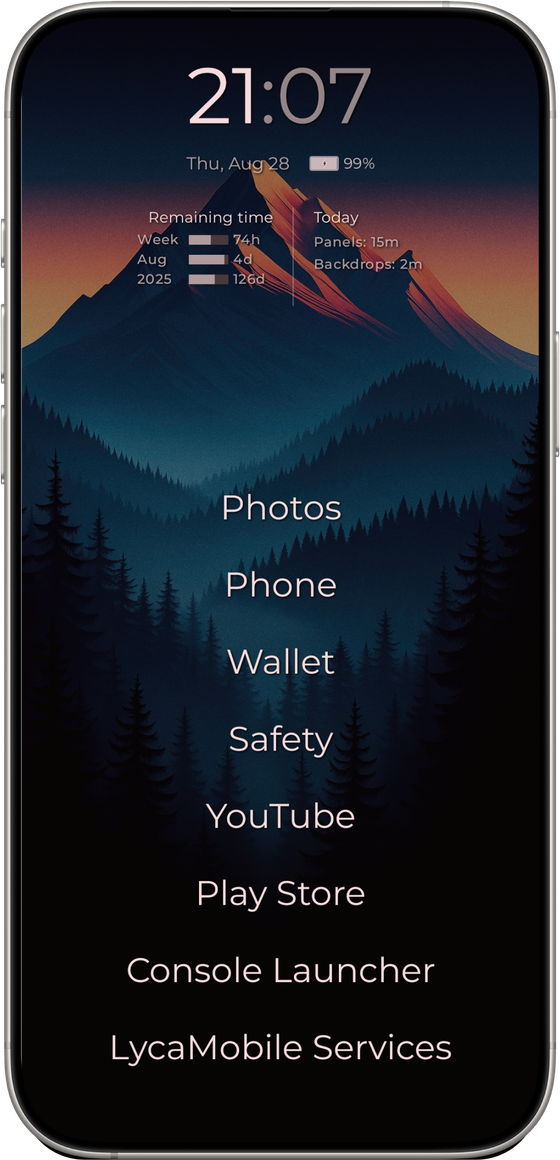
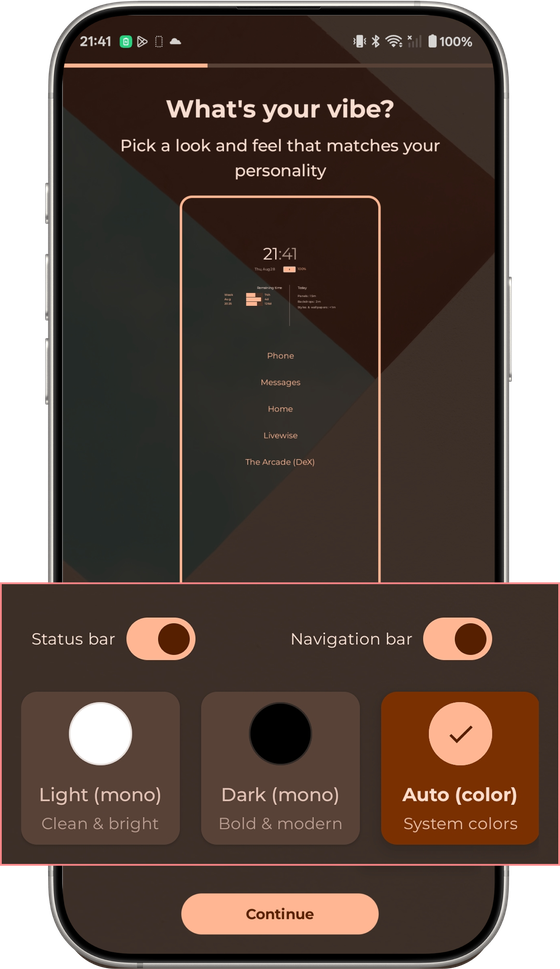
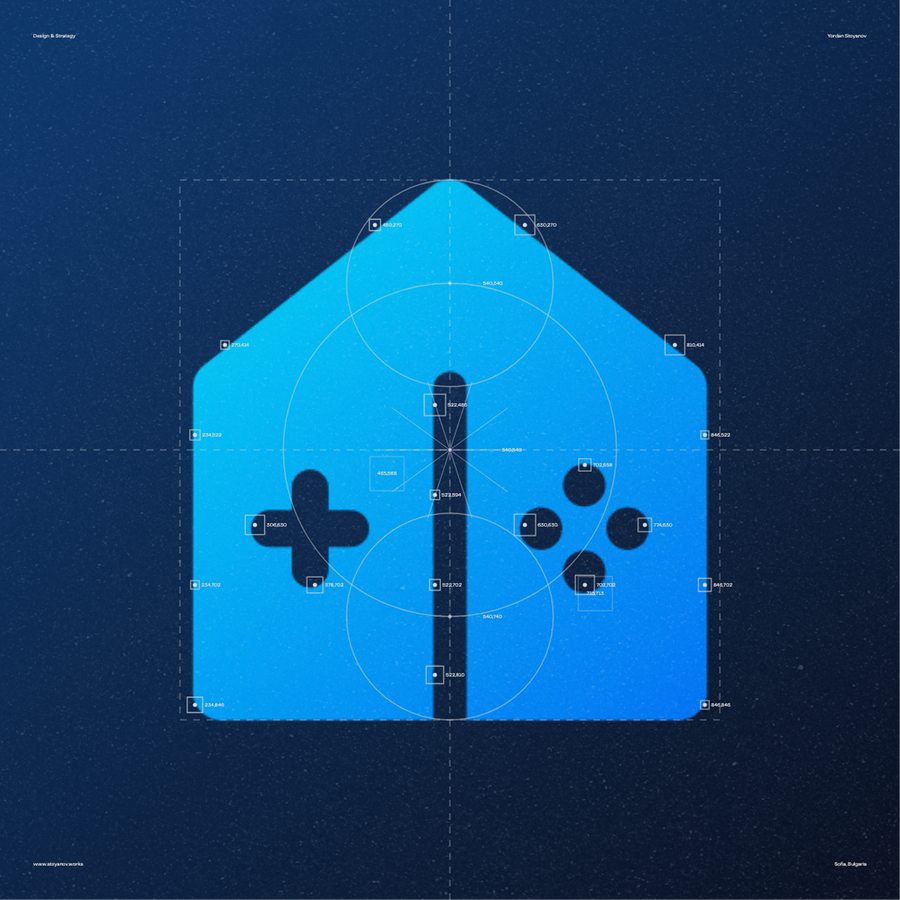
A house with a D-pad inside it.
I designed the Console Home identity and made the Play Store pages for both apps. The rest was shared — features, typefaces, themes and wallpapers, worked out together as we went.
Everything that makes the phone calmer is free. Everything that makes it yours is paid.
The free version has the whole idea in it — the text home screen, the app drawer, hiding and renaming apps, gestures, usage stats, backup and restore. Pro sells fonts, themes, colour modes and layout control.
That line had to hold. UnLauncher’s promise is a calmer phone. If you have to pay to get the calm, the promise is a lie — so the paywall sits on personalisation, never on function.
One-time purchase, no subscription. Console Home offers both, because a beta that’s still growing needs a reason to keep shipping.
“I’ve tried several other minimalist launchers but compared to them this one has good features in the free version.”
Play Store review, July 2026
The most-requested feature is a grid option in the app drawer — the exact thing we removed on purpose. I still think text-first is right for an app about reducing screen time, but people keep asking, and at some point that stops being noise and starts being data. I haven’t decided yet.
The other two projects are about working inside someone else’s constraints.
A locked SDK. A launch date that doesn’t move. A storage table I didn’t control. Most of my job is deciding what to do with the room I’m given.
This is the opposite. Our product, our call, and a pricing line I had to draw and then defend to real people paying real money. I’ve learned different things from each, and I’d rather show both than pretend one covers the other.